From Posit PBC, the team behind RStudio, Shiny, and the tidyverse
The Data Science IDE
Positron is a free IDE purpose-built for Python and R, with transparent AI assistance, interactive data exploration, and everything you need to go from question to insight to application.
See it in action
Watch a quick overview of Positron’s key features and see how it streamlines your data science workflow.
:::
Stop context-switching between tools
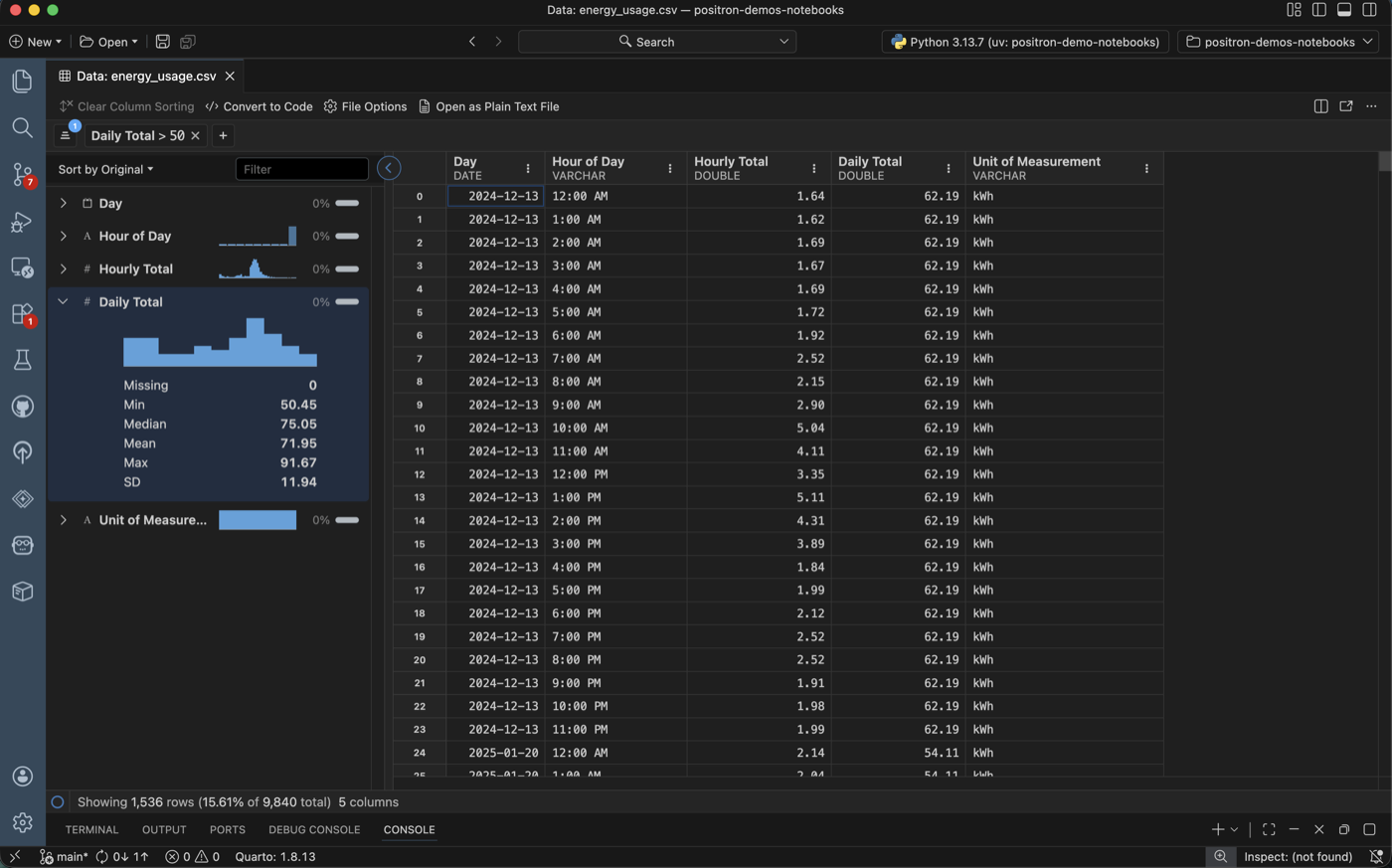
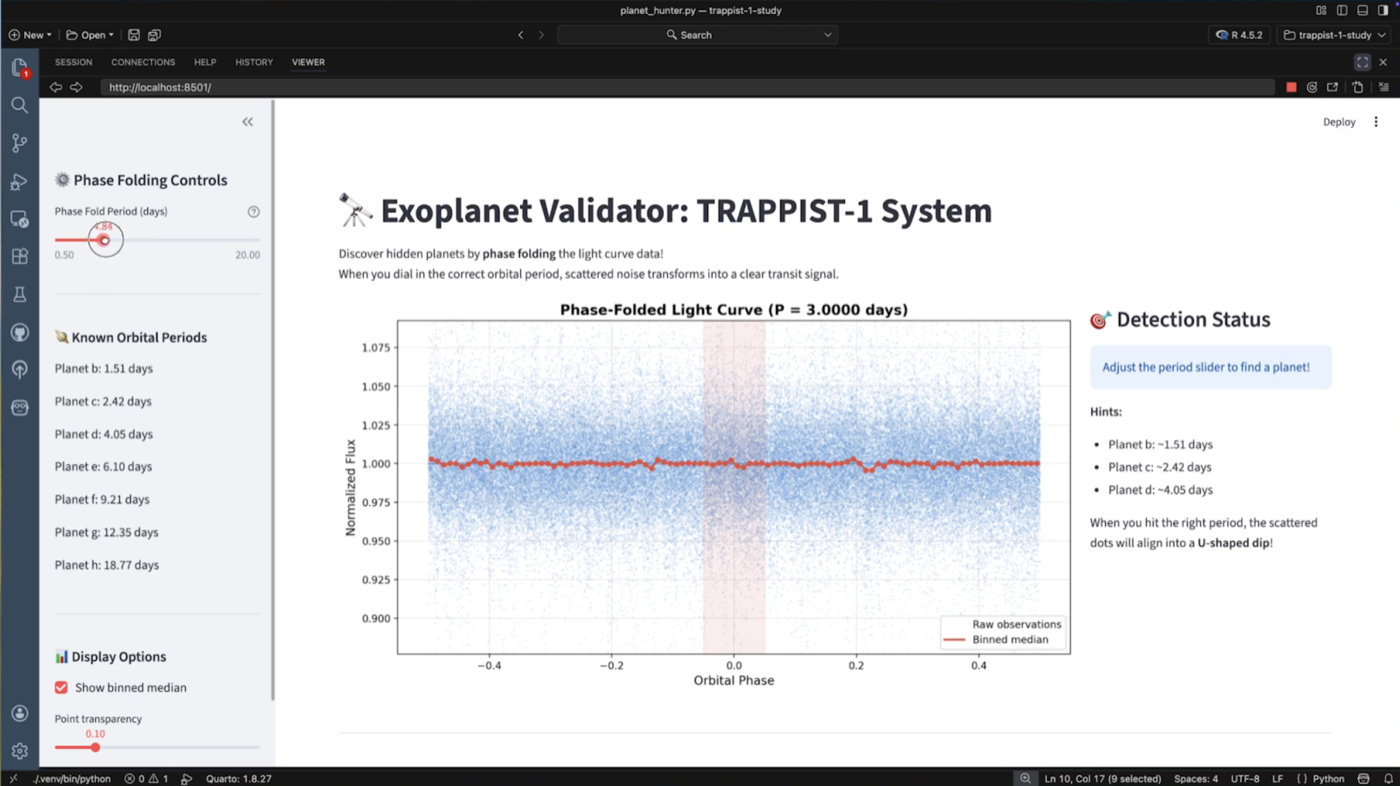
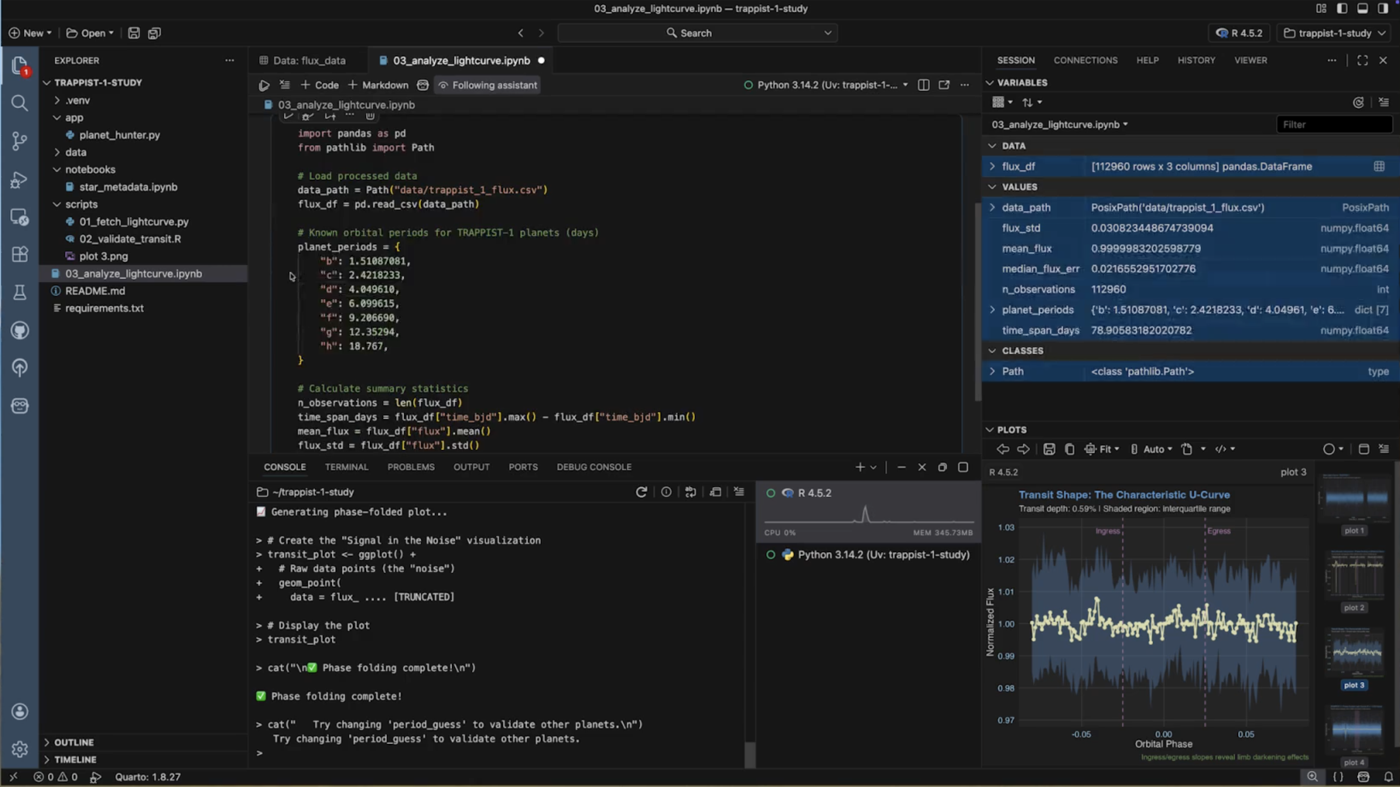
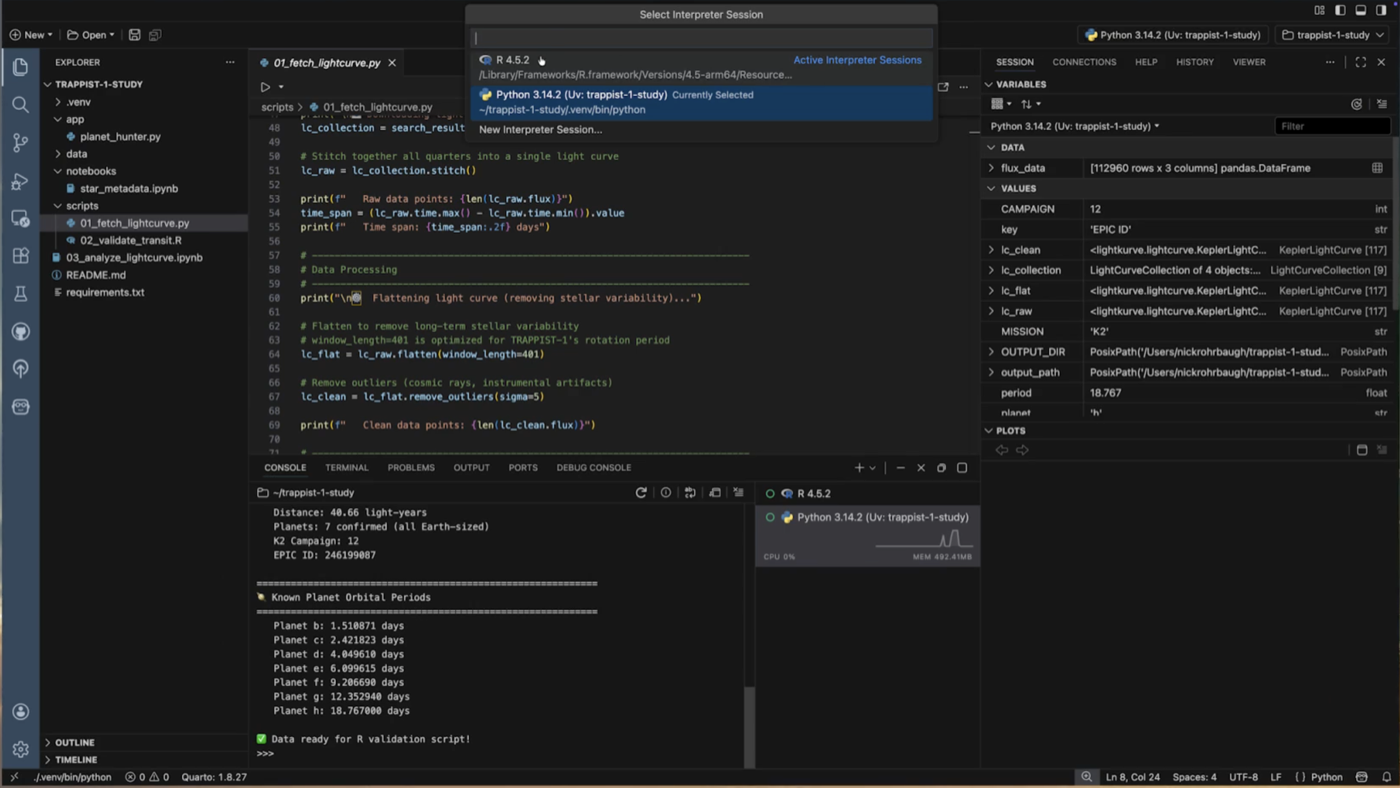
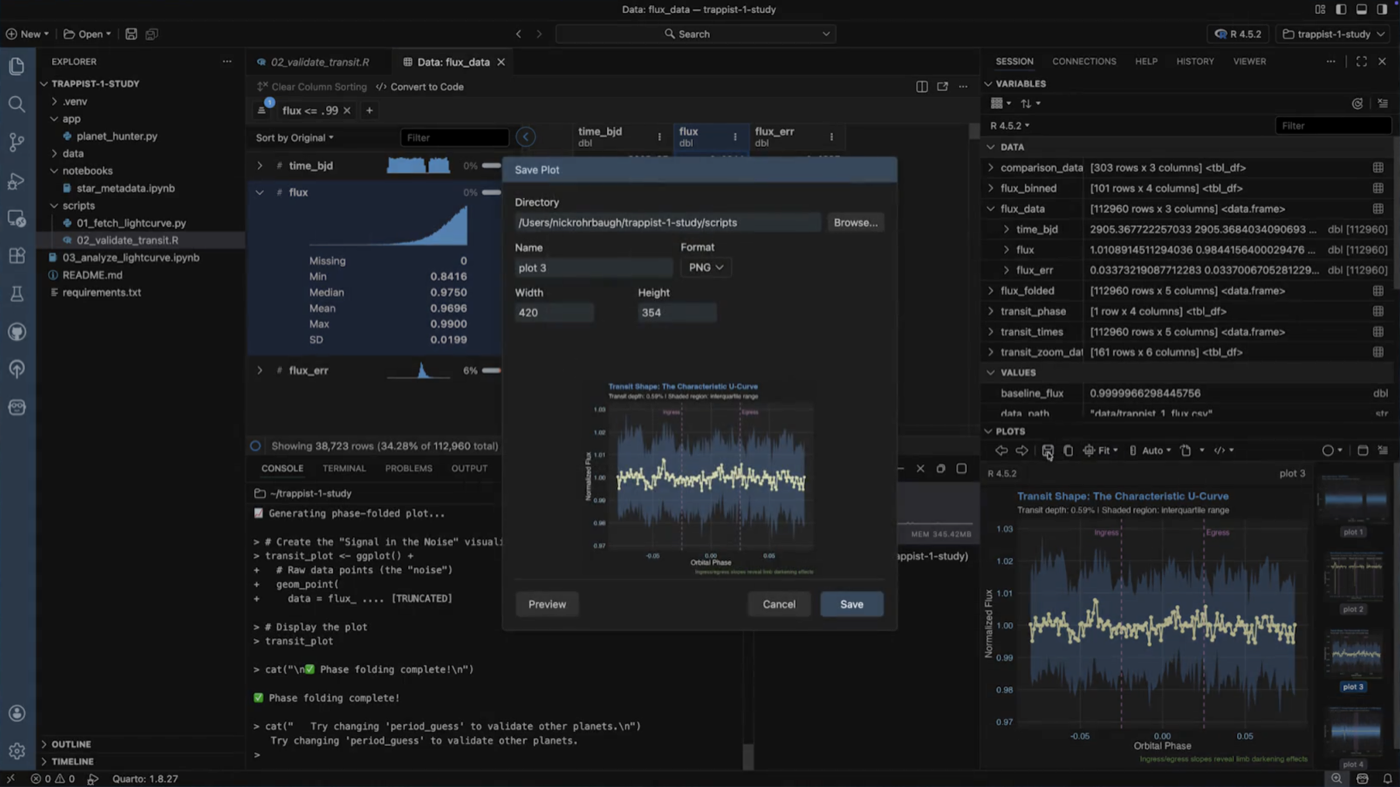
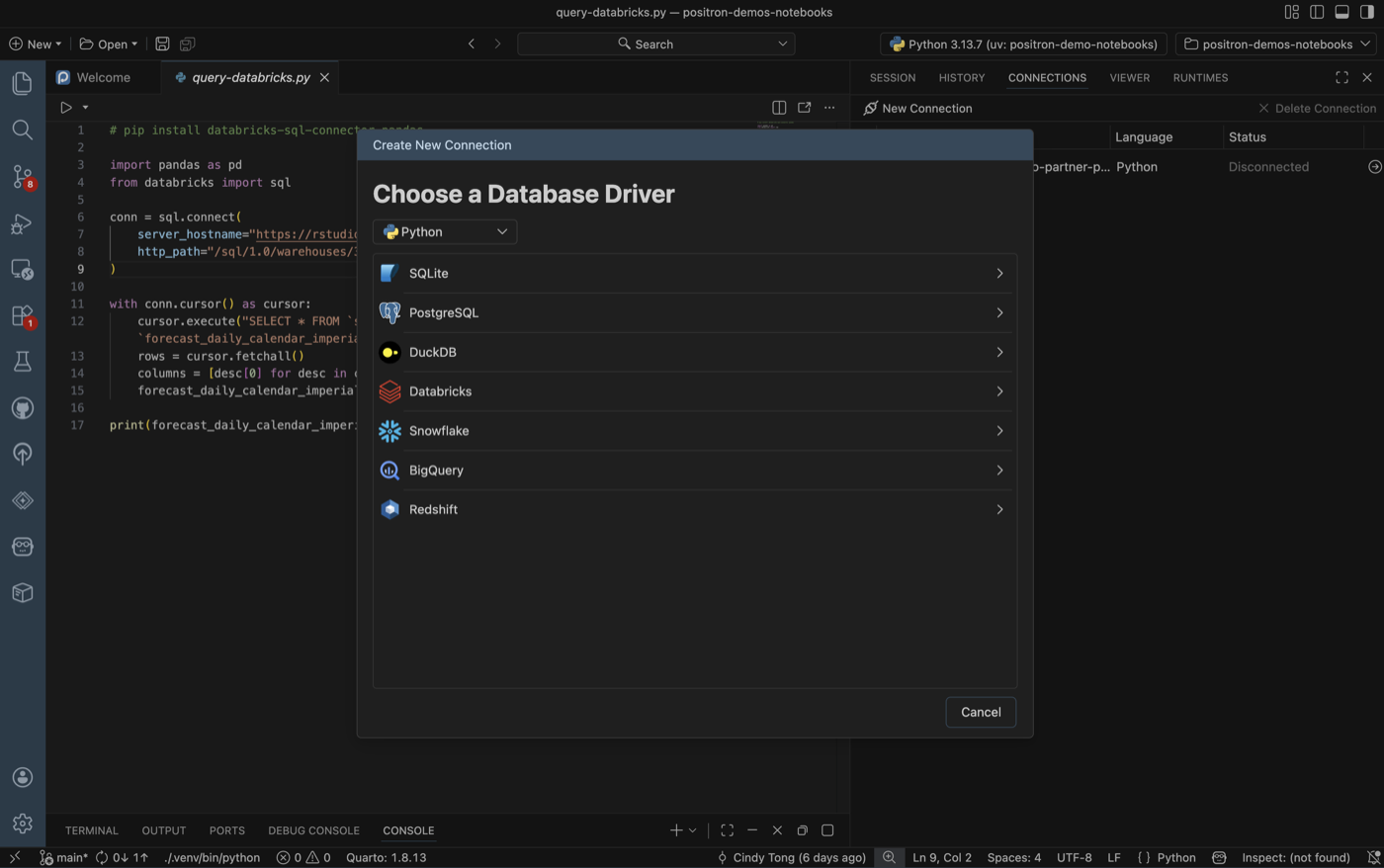
Positron is built for data science workflows. Execute code interactively in a native console or notebook, explore data, view variables and dataframes, create visualizations, train models, build apps, and access everything else you need to stay in the flow.
AI that actually understands your data
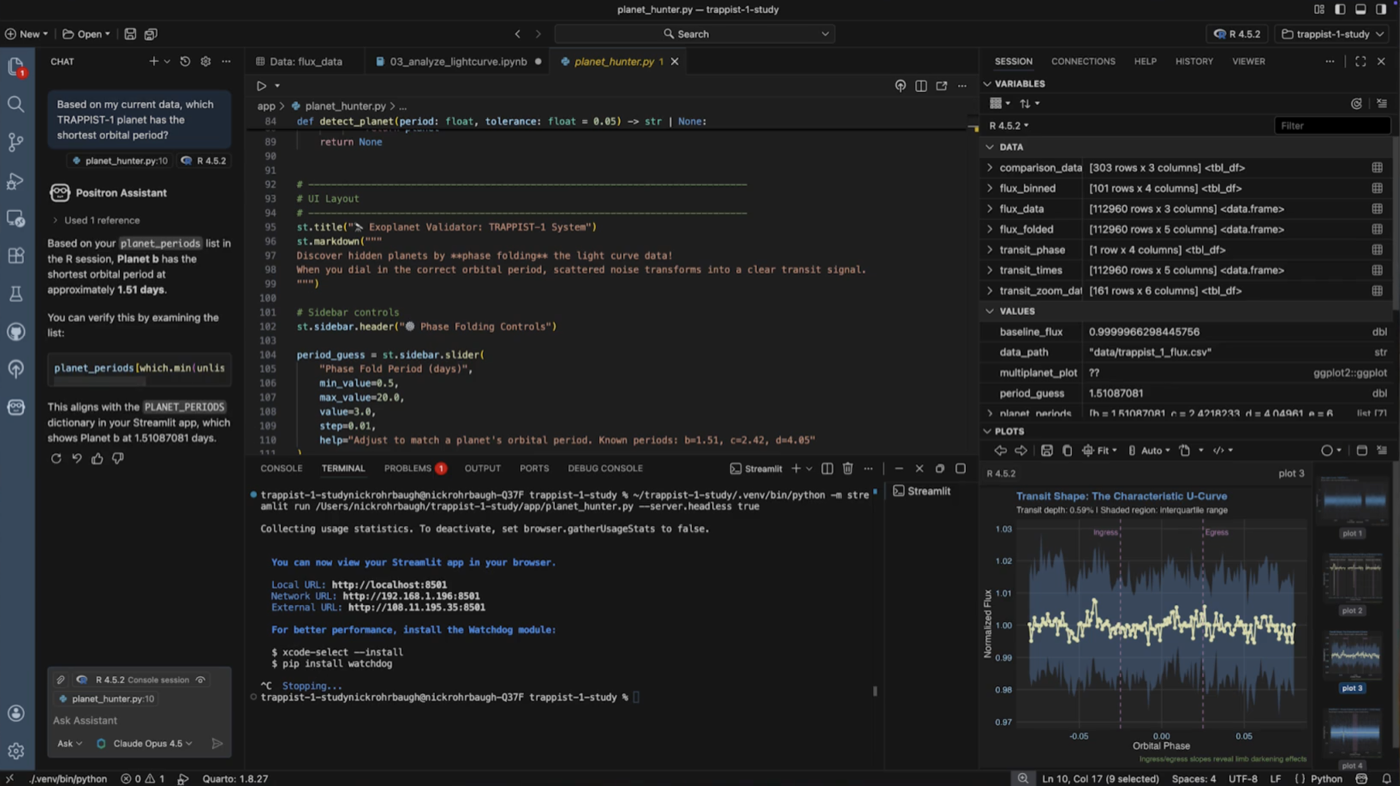
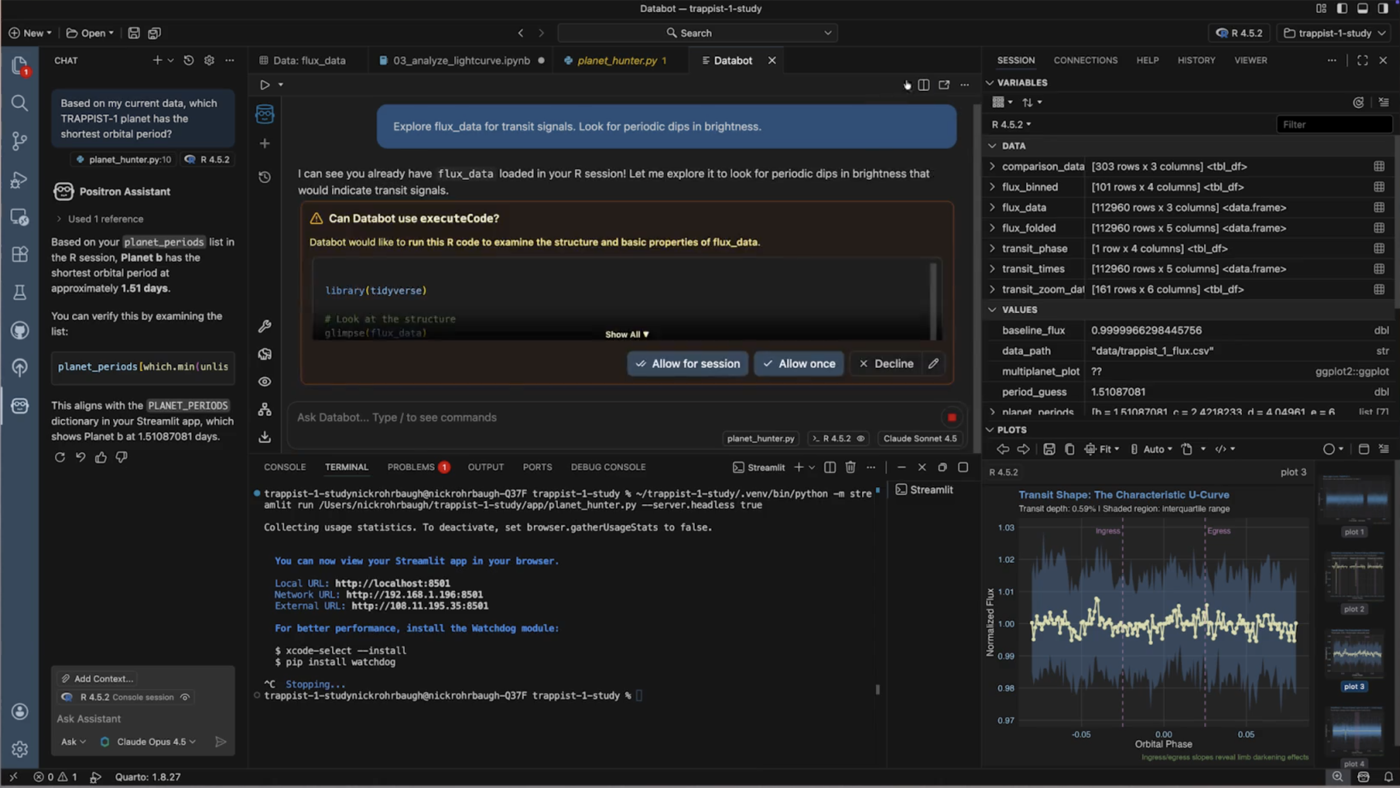
Positron embeds a specialized AI agent directly in your IDE, one that sees your active dataframes, console output, and plots so every suggestion is grounded in your actual work. Transparent, inspectable, and always under your control.
Built on a platform you can grow with
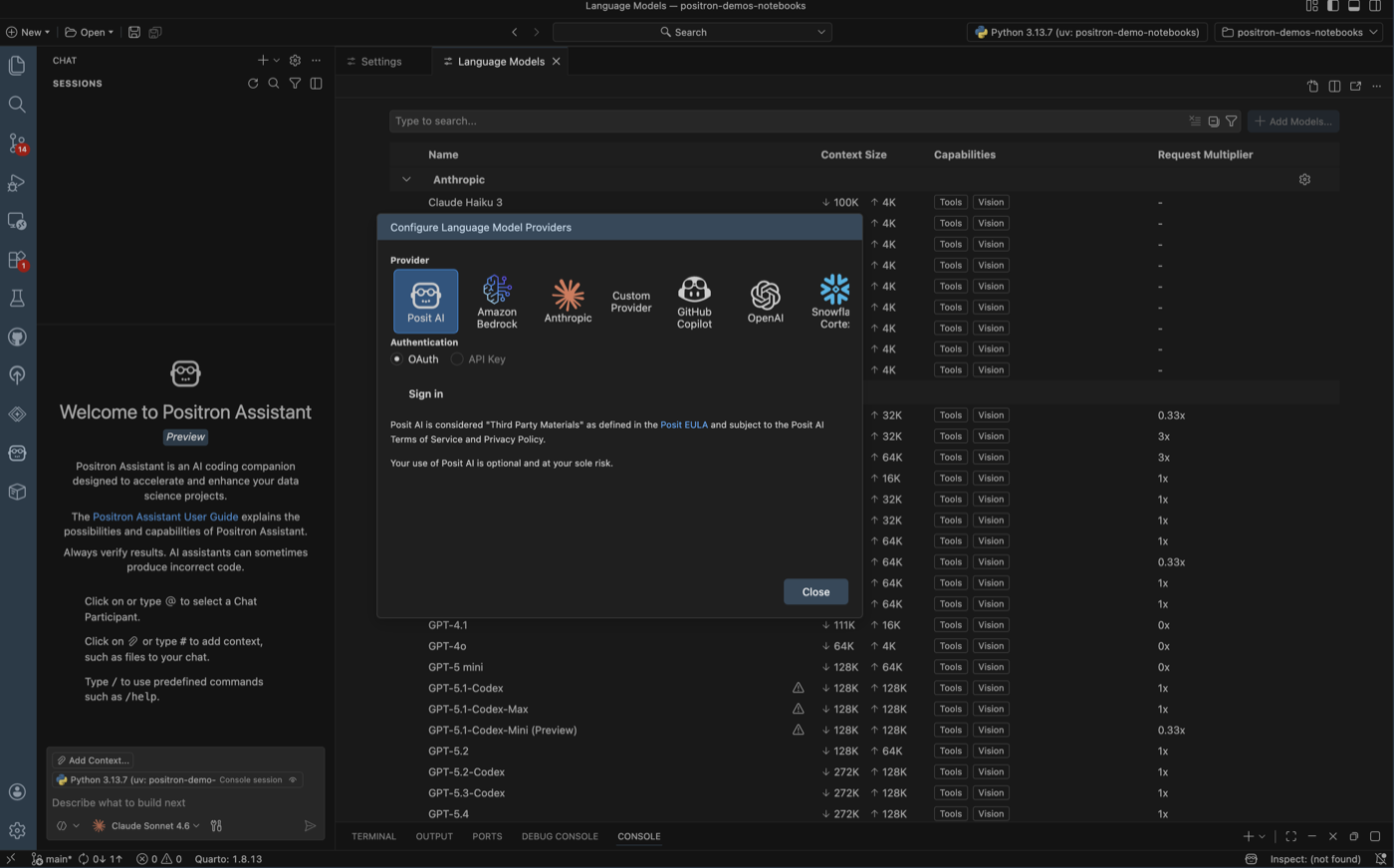
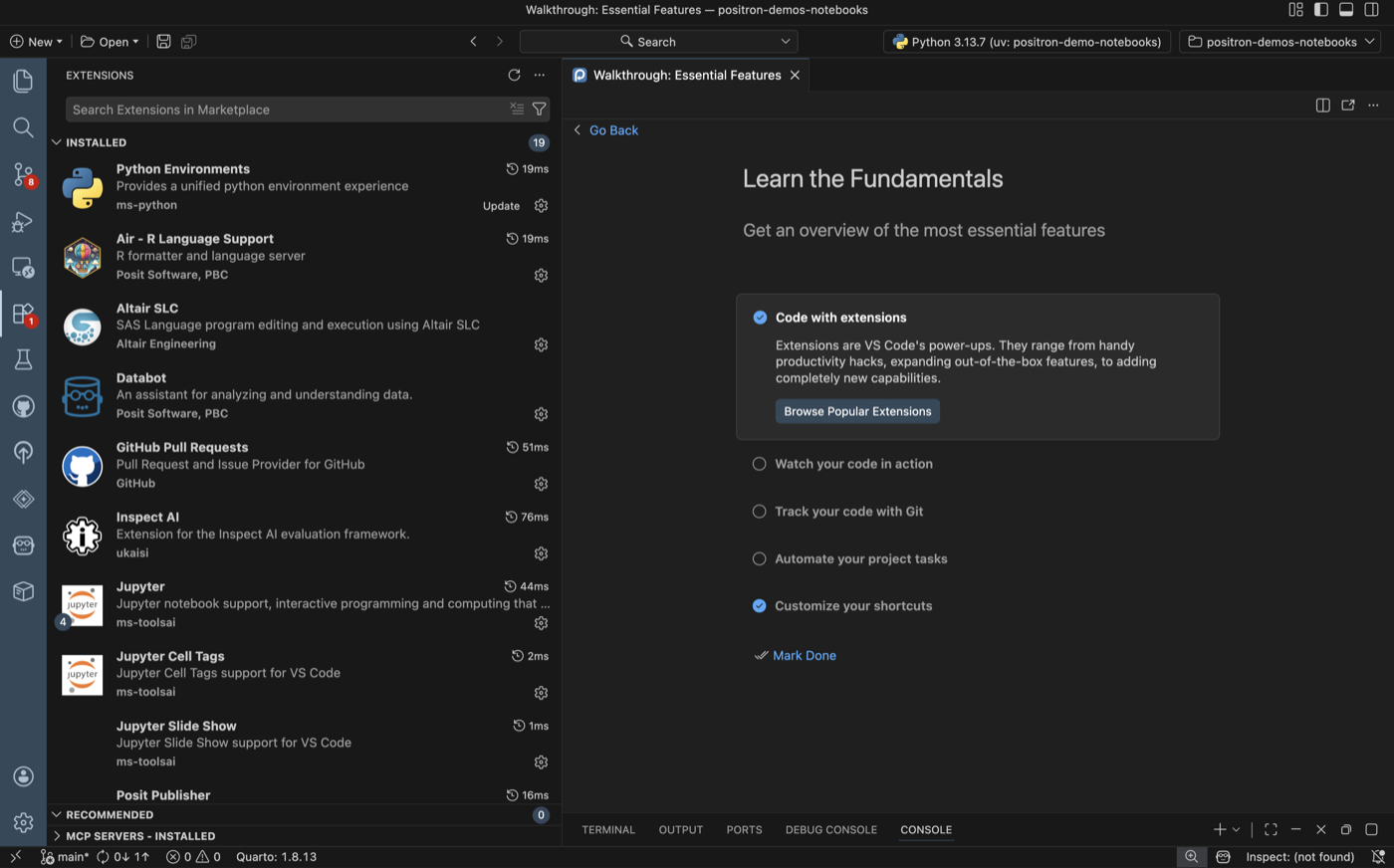
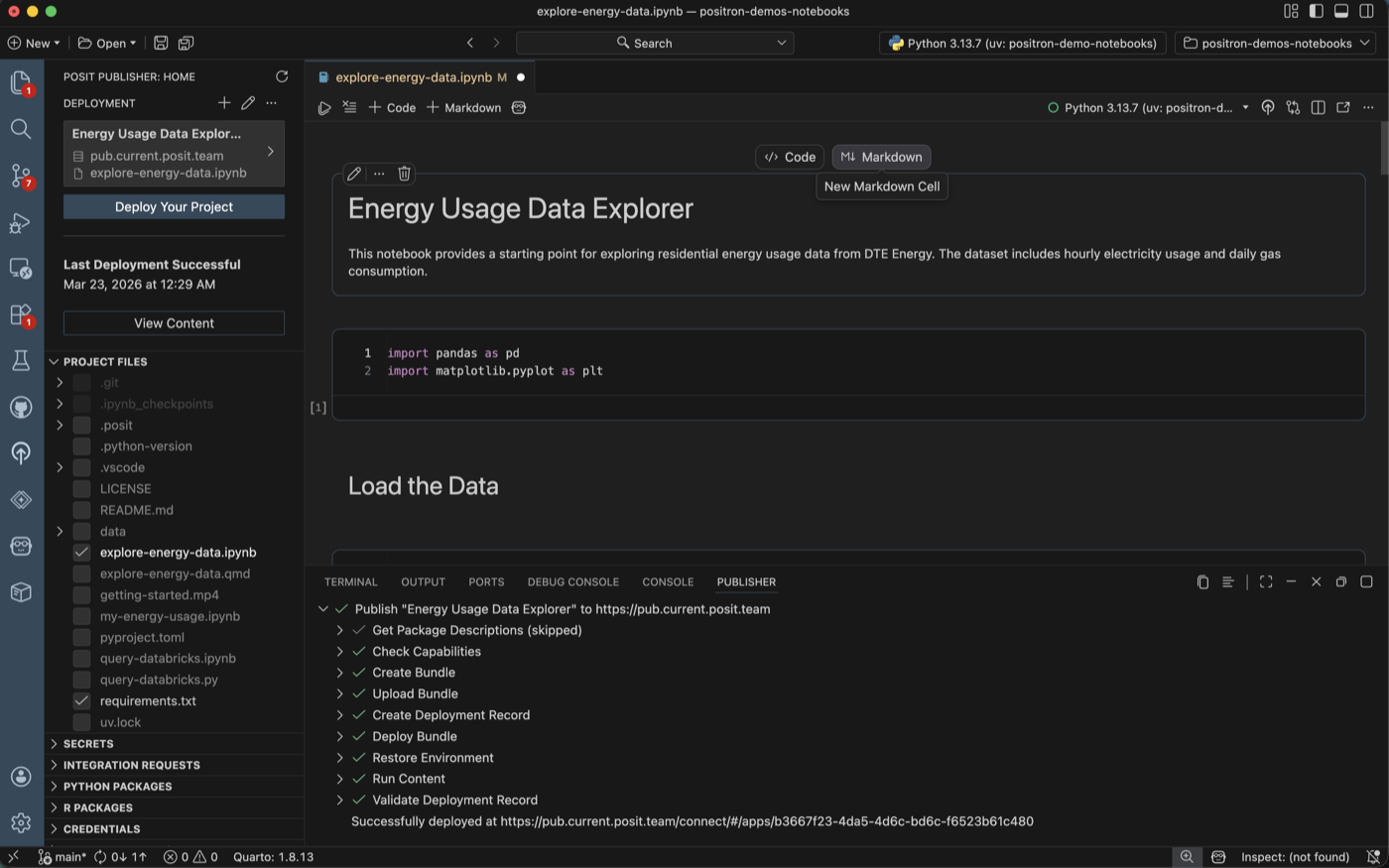
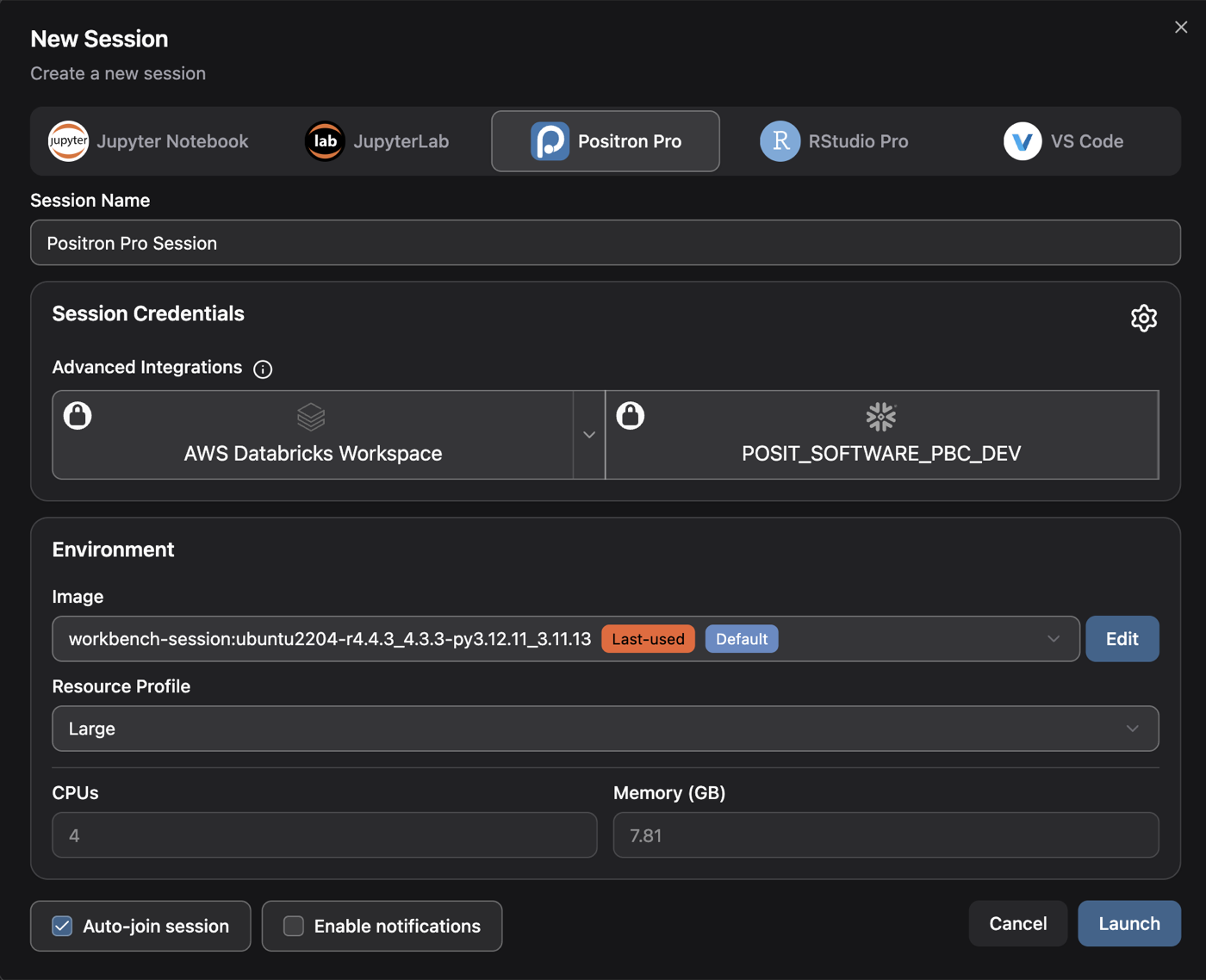
Start with a free desktop IDE and expand as your needs evolve. Connect to your data, extend with thousands of plugins, and scale to Workbench for enterprise when you’re ready.
Hear from the community
“Positron feels like the perfect balance between VS Code and RStudio.”
“Positron didn’t just make Python accessible, it made it fun.”
“The combination of Positron and the AI Assistant makes switching between R & Python incredibly smooth.”
Frequently Asked Questions
Is Positron free?
Yes! Positron is free to download and use. It is source-available under the Elastic License 2.0. Learn more about what this license means and our decision to use it.
What about RStudio?
RStudio is not going away. Posit is committed to maintaining it with security updates, stability improvements, and priority bug fixes. Positron builds on the data-science-first experience of RStudio and adds modern editor capabilities like extensions, AI assistance, and first-class Python support. Positron includes RStudio keybindings to make the transition easier. If you are new to R, we recommend starting with Positron. If you’re happy with RStudio, you can continue using it. Learn more.
How is Positron different from VS Code?
Positron is purpose-built for data science with dedicated panes for data exploration, variables, plots, and a native console, all ready immediately with zero configuration. VS Code is a general purpose code editor that requires installing and configuring multiple extensions to approximate a data science workflow, and does not officially support R. Positron supports VS Code compatible extensions, so you can bring your existing tools with you. Learn more.
How is Positron different from Jupyter Notebook editors?
Positron is a full IDE that goes beyond notebook editing. You get a batteries-included native notebook editor for Jupyter, plus a built-in data explorer, variables pane, plots viewer, database connections, AI assistance, debugging, version control and more, all without having to manage your own extensions. Learn more.
What languages and tools does Positron support?
R and Python are first-class supported languages with a native console, data explorer, and variables pane. Additional languages like Rust, JavaScript, and C/C++ are supported through community extensions. SQL support is on the roadmap. Positron also supports Jupyter and Quarto notebooks, Shiny, Streamlit, and Dash apps, and thousands of extensions from the Open VSX marketplace. Learn more.
Ready to get started?
Download Positron for free and start building with Python and R today.
Positron™ is licensed under the Elastic License 2.0, a source-available license. Read more about what this license means and our decision to use it.